
User guide
Hardwired Installation
Follow the guide below to prepare, wire and mount your tracker.
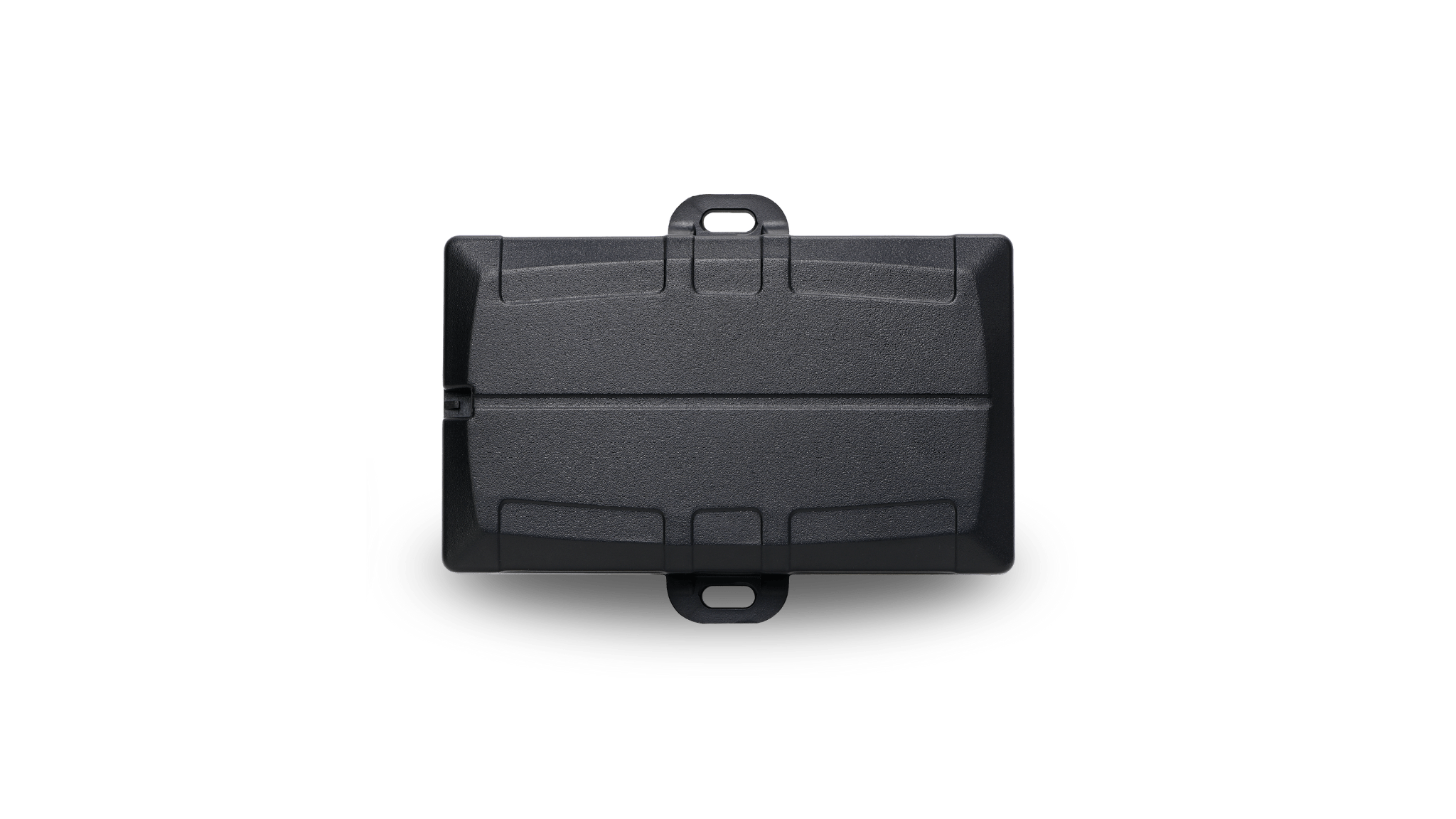
Before you install
Ensure your tracker has been activated before installation. Hardwired trackers should be installed carefully using appropriate automotive wiring practices. We recommend using a licensed auto electrician.
Tools and items needed
Tap each item to mark it as ready. Tap again to deselect it.
Fully separate the housing
- Your tracker will arrive with a partially opened housing so you can easily access the internals to connect the backup battery.
- If pressure during transit has caused the housing to snap shut, use a flat screwdriver to gently open it using the designated pry point.
- Take care not to damage the housing or internal components.

Connect the backup battery
- Carefully connect the backup LiPo battery to the white battery connector on the PCB.
- No tools are required. The connector will snap securely into place when properly aligned.
- Once connected, confirm the red light begins flashing to verify the tracker is receiving power.
- Keep the housing open for now. You will close it after the tracker has completed its first connection.

Initial connection
Maximising signal
For the best chance of a successful initial connection, keep the tracker outside or near a window with a clear view of the sky.
First update
Log in and wait for the tracker status to update from Not connected (Red) to Stationary with a timestamp (Yellow) before continuing installation.
No connection after 2 minutes?
If the tracker has not connected within 2 minutes of connecting the backup battery, simply unplug the backup battery for 60 seconds, reconnect it, then wait for the tracker to update.
GPS signal
If the tracker is showing a timestamp and a yellow dot but no location appears on the map, you can still continue with installation. A live location should appear automatically on the first drive, usually within 5 minutes. GPS performance can vary depending on signal strength, surrounding buildings, weather and other factors.
Close the housing
Once the tracker has completed its first connection, gently close the housing and confirm all sides have snapped securely into place before mounting the tracker in the vehicle.

Pinout
Pins marked with an asterisk (*) are routed to the 4-way Molex connector for optional RFID reader integration.

Fuse taps
- Fuse taps such as the one pictured may be used for a clean install.
- Use an appropriate fuse tap type for the vehicle fuse box and fuse size.
- Ensure all wiring is secured and protected before closing panels.

3-wire installation
- Use a multi-meter to locate a fuse that supplies power even when the vehicle is turned off, such as hazard lights or interior lights.
- Connect Red (Pin 1) on the harness to this point or the vehicle battery (8 to 33V).
- Connect Black (Pin 2, or any black wire on the harness) to chassis ground.
- Use a multi-meter to locate a fuse that only supplies power when the vehicle is on, such as indicator lights.
- Connect White (Pin 8) to this point. The white ignition input will register as on when >2.2V is applied to this line.
- Ensure unused wires are properly insulated and secured to prevent short circuits, electrical interference, or accidental contact with vehicle metal components.

Mounting location and backup battery
- BlackOwl hardwired trackers feature high sensitivity internal antennas for discreet installation, however shielding from the vehicle body and other components may impact GPS and cellular signal strength.
- For the best signal, mount your tracker just underneath the dashboard trim, as close as possible to the windscreen.
- Ensure the mounting location does not interfere with the operation of any vehicle components, wiring, airbags, pedals, steering components, sensors or other systems.
- This tracker is fitted with a backup battery. Do not install on top of the dashboard or in an area subject to high temperatures or direct sunlight.
- Do not expose the tracker to moisture.
Operating
-30°C to +60°C when connected to external power
Recommended storage
10°C to 30°C, humidity 30%

Orientation
- Ensure your tracker is mounted the correct way before completing installation.
- The tracker should be positioned so the correct side is facing upward for best GPS performance.
- Avoid fully enclosing the tracker behind heavy metal components where possible.

Need help?
Contact our team if you need assistance with your installation, wiring, activation or initial connection.